
Target exactly who should qualify
Combine products, categories, customers, roles, tags, brands, order history and exclusions in one campaign.

Advanced WooCommerce discount and campaign management.
Create precise pricing campaigns using products, categories, customers, roles, payment methods, quantities, schedules, loyalty data and advanced offer logic.
Combine products, categories, customers, roles, tags, brands, order history and exclusions in one campaign.
Use BOGO, second-item, bundles, tiered pricing, loyalty, gifts, free shipping and fixed-unit-price campaigns.
Show campaign pricing on product lists/pages, explain the offer and apply eligible savings automatically in the cart.
DigiDiscount Pro is an advanced WooCommerce discount and campaign management solution for flexible product, cart, customer, role and payment-based pricing rules.
Built for modern WooCommerce stores with secure licensing, protected updates and premium support.
Explore the complete workflow and see how each feature fits into the product.
DigiDiscount Pro extends the core discount engine with specialized campaign types for targeting, cart mechanics and customer history.
Apply pricing to selected WooCommerce customer roles.
Limit a campaign to specifically selected registered customers.
Apply an offer only when an enabled WooCommerce payment method matches.
Configure offers such as 3 for the price of 2 with controlled repetition limits.
Create second-item percentage offers for eligible product groups.
Define quantity tiers and apply the highest matching tier to eligible units.
Require a defined set of products to unlock a bundle-style offer.
Apply fixed savings each time a configured spend threshold is reached, subject to repetition limits.
Create offers based on whether a customer is new or has existing paid-order history.
Automatically add an eligible gift product or unlock free shipping when campaign rules match.
Set a final per-unit price for eligible products instead of only applying a discount amount.

Campaign qualification can be narrowed or expanded using multiple catalogue and customer dimensions.
Target selected simple products or variations while keeping explicit selection control.
Apply or block a campaign using WooCommerce product categories.
Protect selected products or existing sale prices from an overlapping promotion.
Target named registered customers or explicitly prevent selected customers from qualifying.
Include or exclude WooCommerce roles for B2B, wholesale or membership-style pricing.
Use tags or WooCommerce brands as additional eligibility filters.

Choose how much the customer saves and how multiple conditions should interact.
Use percentage or currency-based campaign values depending on the campaign method.
Cap the total saving when a promotion needs a hard ceiling.
Restrict eligible campaigns to selected enabled WooCommerce payment gateways.
Evaluate thresholds against eligible items or the wider cart according to campaign strategy.
Permit selected campaigns to combine when the global combine mode is enabled.
Ensure only the first matching campaign in a named group applies when combining rules.
Limit which coupons may coexist with an otherwise stackable campaign.

Move beyond simple product/category discounts with conditions that reflect buying behaviour and cart structure.
Require a minimum eligible spend before the campaign activates.
Control campaign eligibility by item quantity.
Require all selected products to be present as paid cart items.
Require a minimum number of distinct parent products in the cart.
Target registered customers based on processing/completed order count.
Qualify registered customers using historical net paid totals after refunds.
Control when offers are active and how often special mechanics can repeat.
Schedule campaign availability using the store timezone.
Restrict eligibility to selected ISO weekdays when a campaign should not run every day.
Run offers only during a configured HH:MM-HH:MM window, including overnight ranges.
Limit how many times BOGO, second-item or repeat-spend offers repeat per cart/order.
Define quantity-to-percentage tiers and use the highest valid tier.
Make eligible campaign prices visible on the storefront instead of surprising customers only in the cart.
Show campaign pricing in eligible archive/product-list contexts.
Replace or supplement standard pricing with a clear campaign price panel on the single product page.
Explain the campaign with a short configurable message shown near the discounted price.
Eligible discounts appear automatically in cart totals without requiring a coupon code.
Choose whether other coupons may be used and optionally restrict the allowed codes.
The bulk editor is a separate controlled workflow for permanent price changes, with preview and rollback support.
Browse product thumbnails, IDs and current saved prices with product name, SKU or ID search.
Filter by a selected category including its descendants.
Select individual products, all products on a page, all matching pages or individual variations.
Choose which saved WooCommerce price field should be changed.
Apply percentage changes, amount changes or set an exact saved price.
Review the exact affected items and calculated prices before any permanent changes are written.
Resume or reverse recent jobs for up to 30 days, while skipping values that were manually changed later.
Each price job is capped at 5,000 products or variations to keep the operation controlled.
Reporting and protected update delivery are included in the Pro operating model.
Review campaign orders among recent paid/refunded orders and separate original order discounts from refunded status.
Export campaign reporting data for external analysis.
WordPress discovers private Pro updates without requiring a manual license refresh.
A protected package URL is issued at update-install time rather than stored permanently.
Downloaded update ZIP integrity is checked before WordPress proceeds with installation.
Localized renewal notices appear before expiry and can be dismissed temporarily without disabling future reminders.
Open any screenshot to inspect the product UI in full size.
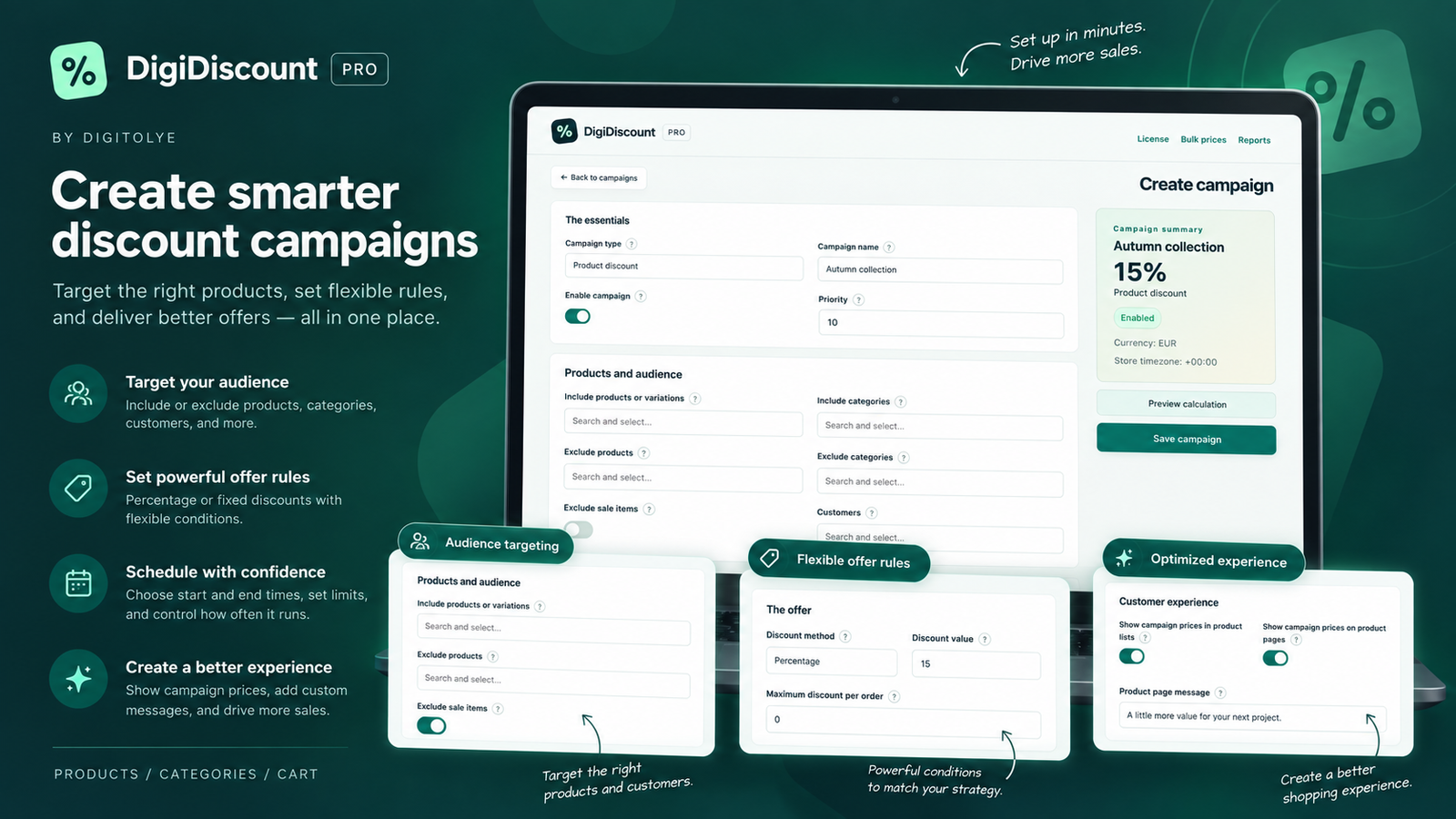

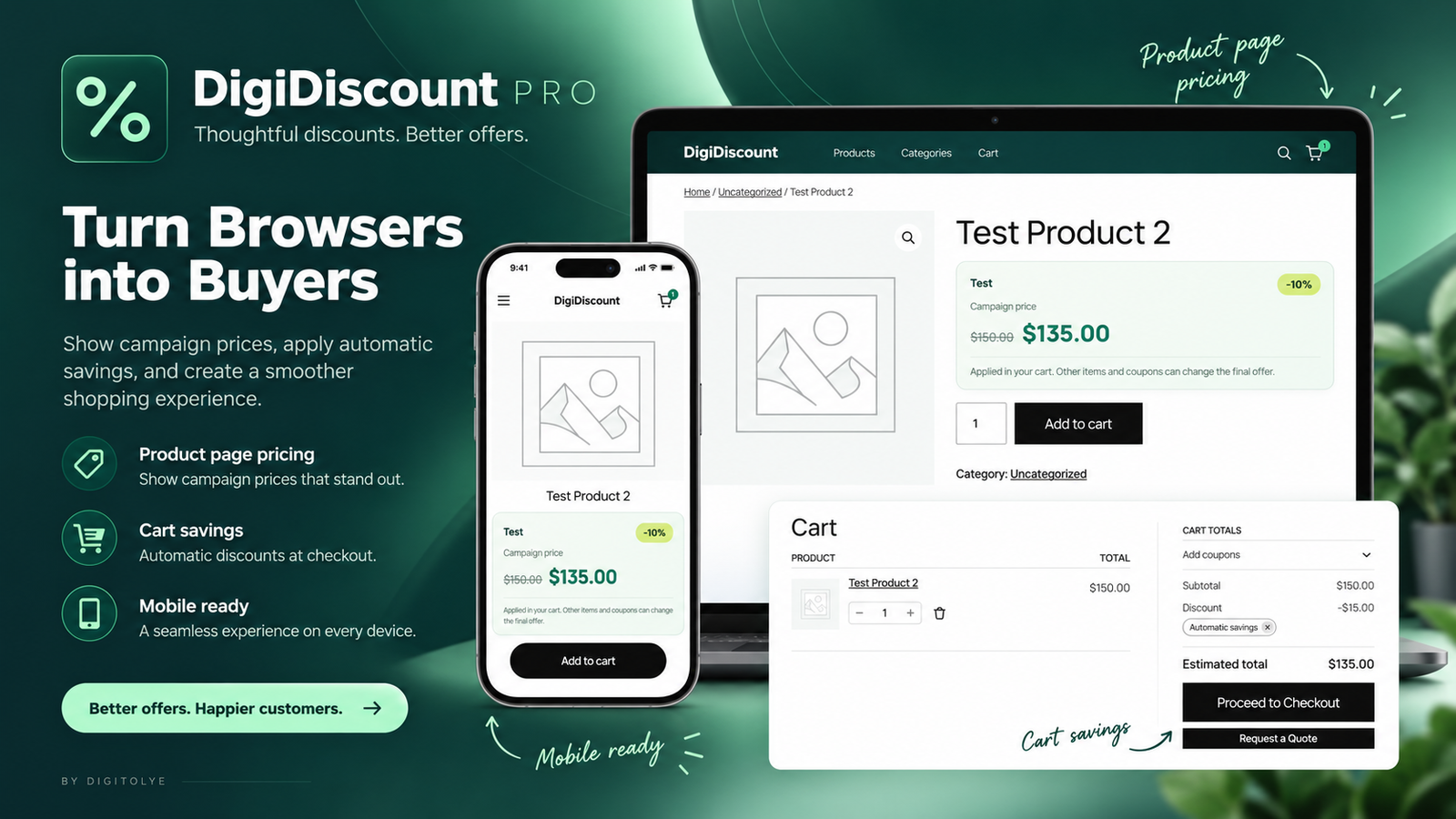
A compact view of the functionality included across the Pro product.
The product is designed as one connected process.
Start with the commercial goal: product, role, BOGO, loyalty, volume pricing, gift, free shipping or another supported model.
Select products/audience and add spend, quantity, history, timing or coupon conditions.
Define the discount method, limits, stacking behaviour and customer-facing display controls.
Eligible campaign pricing is surfaced on the storefront and calculated automatically in the cart.
Know exactly what you need before installation.
Yes. Campaigns can target selected registered customers and WooCommerce roles, and can also explicitly exclude customers or roles.
Yes. Pro campaign types include Buy X Pay Y, second-item discounts, volume tiers, bundle-style offers, gifts and repeat-spend mechanics.
Yes. You can enable campaign-price display on product lists and/or single product pages and add a custom product-page message.
Yes. The bulk editor is for permanent saved-price changes, but it requires a preview first and keeps recent job data so eligible changes can be reversed.
Licensed sites discover private releases through Digitolye Store Suite, request a fresh signed package at install time and verify the downloaded ZIP checksum.
1.0.0-beta.8
- Store Suite licensing and protected update integration

Complete vehicle rental management for WordPress and WooCommerce.
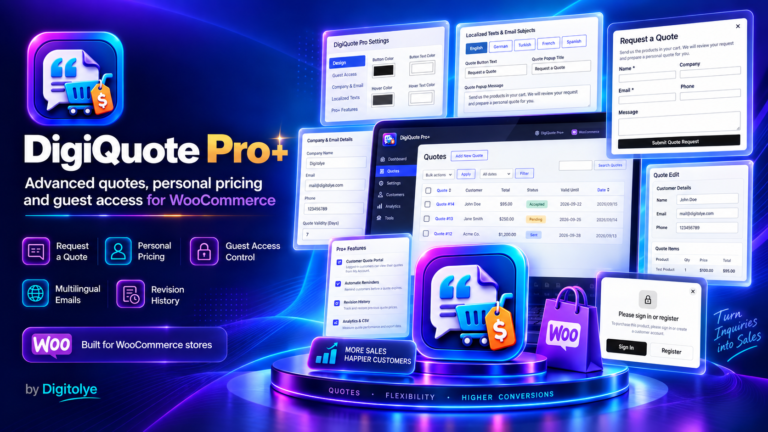
Professional quotation and offer management for WooCommerce.
